Keeping illustration styles consistent in AI-made slides
Published: 10月 6, 2026
Generative AI can draft a document’s outline and text in minutes. A common complaint, though, is that every page ends up with illustrations in a different style. Here is why that happens and how to keep a document consistent.
Why AI-made illustrations don’t match
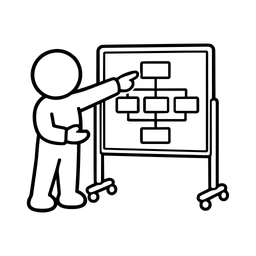
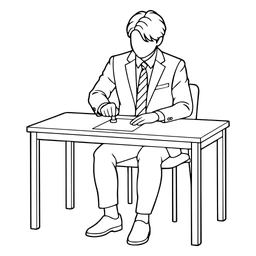
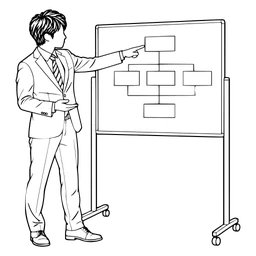
An image-generation model draws something new for every prompt. Even if you always ask for “a flat illustration,” line weight, body proportions and color use shift a little each time. One image on its own may look fine; side by side in a document, the differences jump out.
The same thing happens when presentation tools pick images and icons automatically from different sources.
Three ways to keep styles consistent
1. Take illustrations from one fixed set
Let AI handle the outline and the text, and choose illustrations from a collection drawn in one consistent way. This is the most reliable method and keeps even a long document consistent. FreeIconBazaar draws every subject in the same three styles, so once you pick a style the whole document matches.
2. Ask AI what picture each slide needs
AI is better at deciding what picture suits a slide than at drawing it. A prompt like this gives you a list of the illustrations you need:
“For each slide in this document, suggest one illustration that would help, described concretely as what a person is doing.”
Then search FreeIconBazaar with keywords such as “meeting,” “laptop” or “phone” and build the document from illustrations in one style.
3. Set the colors last, all at once
Once you have chosen your illustrations, match their colors to your design. Select them in the FreeIconBazaar list (up to 10), use “Recolor together” to give them the same colors and download them as one ZIP — no more color drift either.


Coming next: consistent illustrations for AI tools
We are preparing an API and MCP integration so that AI tools can search and use consistently styled FreeIconBazaar illustrations directly while they make documents. We will announce it on this site when it is ready.
Summary
- AI draws each image from scratch, so styles drift
- Choosing illustrations from one consistent set is the reliable fix
- Let AI decide what picture each slide needs
- Set the colors last, for all illustrations at once